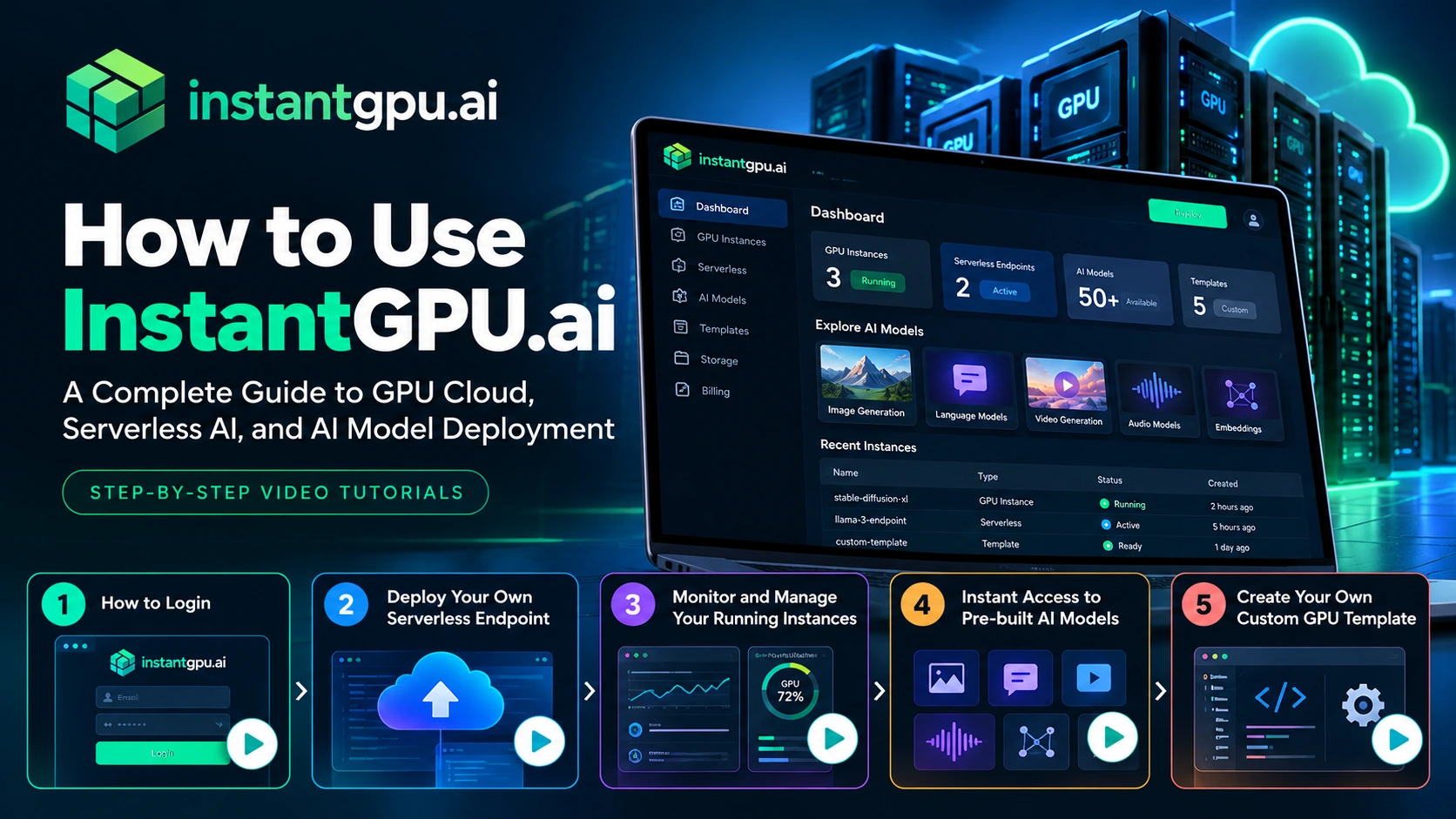
How to Use InstantGPU.ai: A Complete Guide to GPU Cloud, Serverless AI, and AI Model Deployment Artificial intelligence is transforming how businesses build software, automate workflows, generate content, and deliver digital products. But running AI workloads often requires access to powerful GPUs, compatible software environments, model dependencies, and reliable deployment infrastructure.For developers and businesses, managing all these components can become a significant technical challenge. InstantGPU.ai helps simplify access to GPU computing, serverless AI deployment, and AI model endpoints through a unified platform. Whether you want to run a dedicated GPU instance, deploy an AI inference endpoint, experiment with pre-built models, or create a reusable custom environment, you can get started through the InstantGPU dashboard. In this guide, we’ll explain how to get started with InstantGPU.ai and walk you through its key features using our step-by-step video tutorials. What Is InstantGPU.ai? InstantGPU.ai is a multi-cloud GPU platform designed to help developers and businesses access GPU infrastructure and deploy AI workloads without having to manage every aspect of the underlying infrastructure themselves. The platform brings together several capabilities: GPU Cloud: Access dedicated GPU instances for development, experimentation, training, and other compute-intensive workloads. Serverless AI: Deploy functions and AI workloads that can scale according to demand. AI Model Endpoints: Access supported AI models through API-based interfaces for applications involving image generation, video, audio, language, and embeddings. Pre-built Templates: Start with existing environments for supported frameworks, models, and tools. Custom GPU Templates: Create and reuse environments tailored to your requirements. Explore the InstantGPU.ai platform to learn more about its available capabilities. Step 1: How to Log In to InstantGPU.ai The first step is to access your InstantGPU account.Once you have registered, you can log in to the platform and access the dashboard, where you can explore the available GPU services, deployments, models, and other account features.Your dashboard is the starting point for managing your AI workloads and choosing the resources that fit your project. Watch the tutorial: How to Log In Video: How to Login to InstantGPU.aihttps://www.youtube.com/watch?v=3GCeosVM318In this tutorial, we’ll show you how to log in to InstantGPU and get started with your account. What you’ll learn: How to access your InstantGPU account. How to navigate to the dashboard. Where to begin when exploring the platform. If you’re new to InstantGPU, start with this video before moving on to the deployment tutorials. Step 2: Deploy Your Own Serverless Endpoint If you are building an AI-powered application, you may need a way to run model inference and make the results available to your application through an API.A serverless endpoint can help you achieve this without having to manage a dedicated server for every inference workload.With InstantGPU Serverless, you can deploy supported workloads using available templates or your own container. The platform is designed to handle infrastructure provisioning and scaling, including scaling to zero when idle where supported by the deployment configuration.This approach can be useful for AI-powered SaaS products, content-generation applications, chatbots, image-processing tools, and other applications with variable workloads. Watch the tutorial: Deploy Your Own Serverless Endpoint Video: Deploy Your Own Serverless Endpoint on InstantGPU https://www.youtube.com/watch?v=XHOmBV4js_EThis step-by-step video demonstrates how to deploy an endpoint directly from the InstantGPU dashboard, from selecting your deployment configuration to bringing your endpoint online. What you’ll learn: How to get started with a serverless deployment. How to select an appropriate template or deployment option. How to configure and deploy your workload. How to locate and use your deployed endpoint. For more information about serverless GPU deployment, visit the InstantGPU Serverless page. Step 3: Monitor and Manage Your Running GPU Instances Deploying a workload is only one part of working with GPU infrastructure. You also need to understand its status and manage resources throughout the development lifecycle. Monitoring and instance management help you keep track of your running workloads and identify when you need to make changes. Depending on the instance type and available dashboard features, common management tasks can include checking instance status, reviewing available resource information, and starting or stopping instances when appropriate. For dedicated GPU workloads, effective instance management is particularly important because resources that remain running may continue to incur charges. Before stopping an instance, make sure you understand whether its storage and any unsaved work will be preserved. Watch the tutorial: Monitor and Manage Your Running Instances Video: Monitor and Manage Your Running Instances on InstantGPU https://www.youtube.com/watch?v=XHOmBV4js_EIn this video, we’ll demonstrate how to monitor and manage running instances from one place. What you’ll learn: How to find your running instances. How to check instance status. How to access available management controls. How to manage your GPU resources more effectively. Explore InstantGPU to learn more about the available GPU infrastructure options. Step 4: Get Instant Access to Pre-built AI Models Building an AI application does not always require training a model from scratch or configuring an entire inference environment yourself. Pre-built AI models and deployment templates can help you experiment with existing capabilities and accelerate development. Depending on your use case, you may want to work with models for: Image generation and editing: Create or modify visual content. Video generation: Experiment with AI-powered video creation and editing. Audio processing: Work with speech generation, transcription, and related audio tasks. Language models: Build chatbots, content-generation features, and text-processing workflows. Embeddings: Generate vector representations for semantic search, retrieval, and other AI applications. The right model depends on the task you want to perform, the quality of results you need, the latency requirements, and your available budget.InstantGPU provides a model discovery and endpoint experience for supported models, allowing you to explore available options and test compatible workloads before integrating them into your application. Watch the tutorial: Instant Access to Pre-built AI Models Video: How to Find and Use Pre-built AI Models on InstantGPUhttps://www.youtube.com/watch?v=XHOmBV4js_EIn this tutorial, we’ll show you how to find available pre-built AI models and get started using them through the platform. What you’ll learn: How to discover available models. How to identify models relevant to your use case. How to test supported models. How to get started